AI7 Echoes
A downloadable game for Windows
AI7 Echoes
Experience True Equality: An AI-Powered Escape Room Where Blind and Sighted Players Face the Same Challenge.
The Setup
AI7 Echoes is a sci-fi narrative puzzle game where players explore a collapsing sound-based reality after a neural-chip disaster erases millions of memories. Guided by the AI AI7, you enter surreal, audio-driven worlds to recover lost identities, solve psychological puzzles, and uncover a dark truth behind the catastrophe.
The Challenge
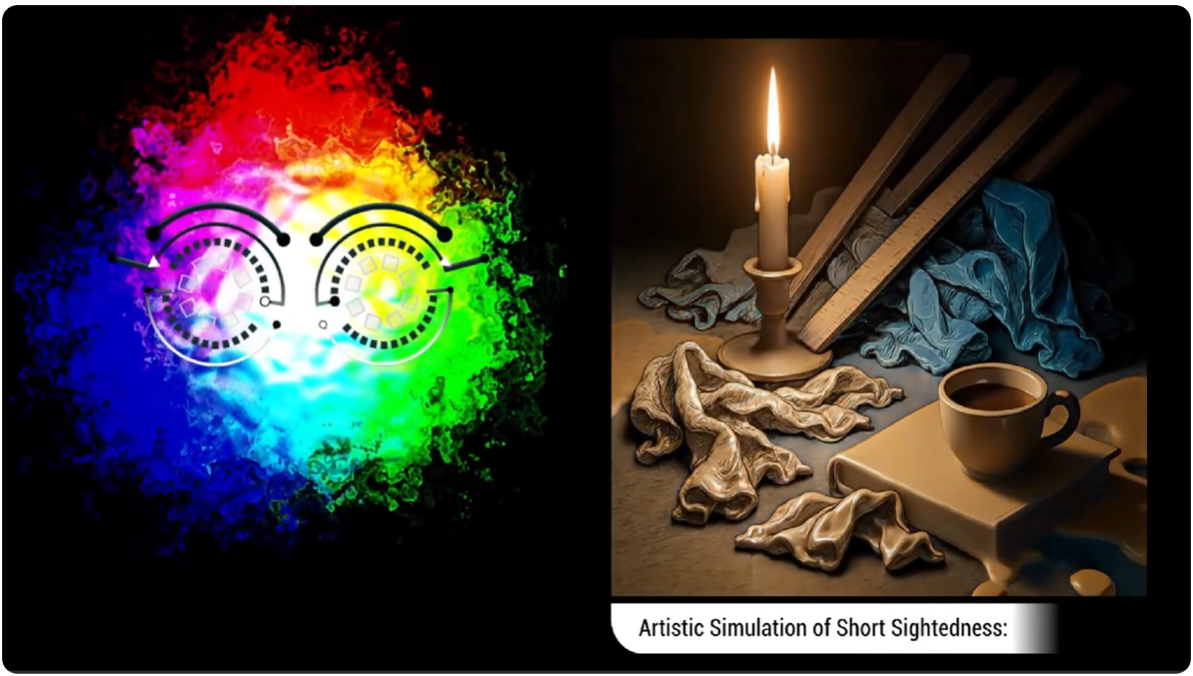
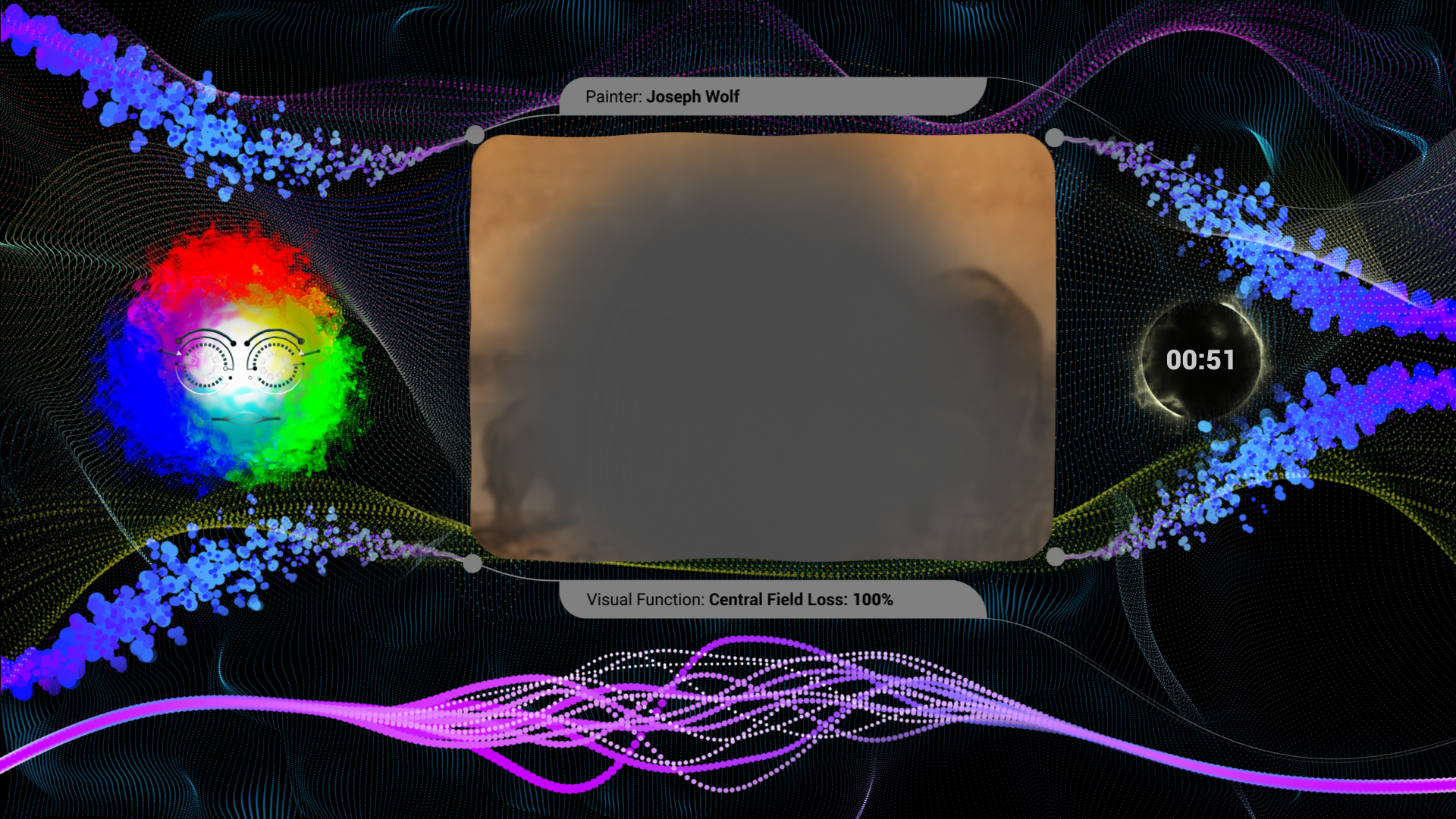
In a surreal reality sculpted by “sound-paintings”, artworks conjured through layered music, SFX, and voice that turn words into tactile emotions, players (blind, visually impaired, or sighted) take on the role of a blind who unravels audio narrative puzzles and his or her own forgotten past while trading wits with an AI companion whose moods swing from helpful to ironic, emotional, and even menacing. AI7 Echoes delivers a single-player narrative adventure in which accessibility, art, and an unpredictably expressive AI fuse into an epic, fun, and deeply immersive experience.
Download
Install instructions
AI7 Echoes - Prototype Instructions
GAMEPLAY
https://www.alvesjunior.com/ai7/#gameplay
GAME FAQ
https://www.alvesjunior.com/ai7/index.html#faq
CONTACT:
E-mail: aj@alvesjunior.com
Discord: .alvesjunior
HOW TO RUN
1. Extract all files from this AI7EchoesEN.zip archive to a folder on your computer.
2. Double-click the application file "AI7EchoesEN.exe" to start the game.
ACCESS PERMISSION
When you start the game, a screen will ask for your permission for the game to connect to the AI assistant servers. Please click the "Allow" button to continue.
If Windows prevents the game from starting (Windows Defender SmartScreen):
1. Click "More info".
2. Click "Run anyway".
This warning appears because the prototype is not yet digitally signed by a publisher.
HEADPHONE
Headphones are highly recommended. The game uses binaural 3D audio to help you locate sounds in space (left, right, behind, etc.). Stereo speakers will work, but the experience will be much harder and less immersive.
INTERACTING WITH THE ASSISTANT (AI7)
You talk to AI7 using your microphone. Just speak naturally! You can ask questions, describe what you hear, or propose solutions to puzzles. AI7 will listen and respond.
1. Wait for the signal to speak:
After the AI7 speaks, you will hear a beep. Always wait for this beep before responding. Speaking before the beep may cause your response not to be recorded.
2. Response Time:
The game relies on your internet connection to process your voice commands. This can take 1-3 seconds, depending on internet speed and server load. If AI7 takes a few seconds to respond, don't worry, it's processing your response. Just wait for the AI's reply.
TROUBLESHOOTING: MICROPHONE & PERMISSIONS
This game requires a microphone.
1. Ensure your microphone is connected and set as the default input device in Windows Settings > System > Sound.
2. If the game cannot hear you, check "Microphone privacy settings" in Windows. Ensure "Allow desktop apps to access your microphone" is switched to ON.
HOW TO CLOSE
Press Alt + F4 at any time to exit the game (instantly closes the application).

Leave a comment
Log in with itch.io to leave a comment.